Before you spend money on PCB Fabrication and Assembly, a careful review can save you money from expensive mistakes, avoidable delays, and a batch of boards that do not work as intended.
A PCB Schematic may look correct in CAD, but a small footprint error, a missing test point, or a weak power-up sequence can still turn a promising design into a costly failure.
For engineers, the goal is not perfection. The goal is to find the issues that would make the board hard to build, hard to test, or impossible to debug before you place the order.
Table of Contents
1. Why PCB Review Is Important Before Fabrication?

A PCB review is more than a final sanity check. It is the bridge between a design that looks good on screen and a board that can actually be manufactured, assembled, and powered on.
The big mistake many teams make is assuming that a “working schematic” means the job is done.
In fact, a PCB schematic can be electrically correct and still produce a failed board if the footprint is wrong, the layout violates fab rules, or the debug path is missing.
This matters even more when you are ordering more boards. A mistake that affects one prototype becomes a batch problem when you build more PCBs.
That is why the first review should focus on risk reduction, not perfection.
Do You Need Any Help?
2. The Three Questions That Important Most
Before you send a board out for fabrication, ask three questions:
- Will the board power up correctly?
- Can the board be programmed and debugged?
- Can problems be diagnosed quickly?
If the answer is unclear, the design is not ready yet.
2.1. Will the Board Power Up?
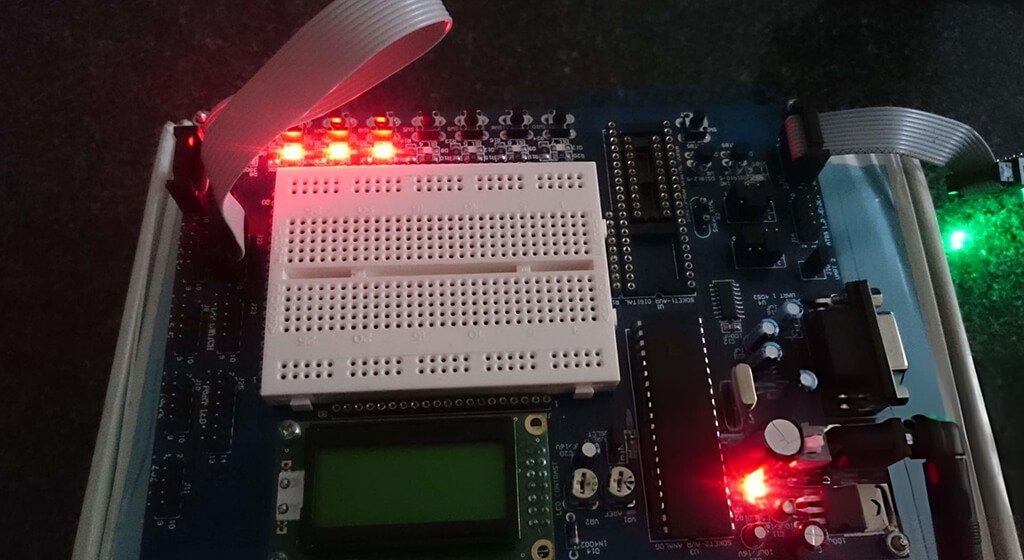
Power-related mistakes are one of the most serious PCB failures because they can make the board stop working.
You need to check that every IC receives the correct voltage, that each regulator is sized for the expected load, and that startup behavior makes sense.
You should also review decoupling capacitors, power sequencing, and any enable or reset logic tied to the power rails.
A board can look clean in layout and still fail instantly if one rail is wrong or unstable.
2.2. Can the Board Be Programmed and Debugged?
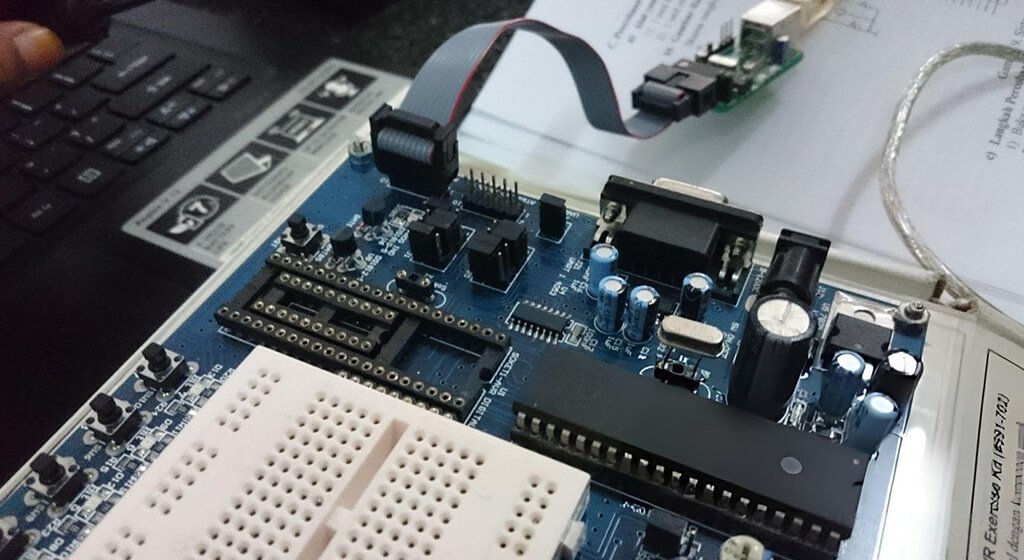
A board that cannot be flashed or recovered is a serious problem, especially if it uses a microcontroller, FPGA, or processor.
You need to confirm that the reset line, boot mode pins, programming header, and any USB or serial debug path are all accessible and correct.
If a firmware issue happens on the first bring-up, you need a reliable way to recover the board. Without that, even a small software problem can turn into a hardware-level dead end.
2.3. Can Problems Be Diagnosed Quickly?
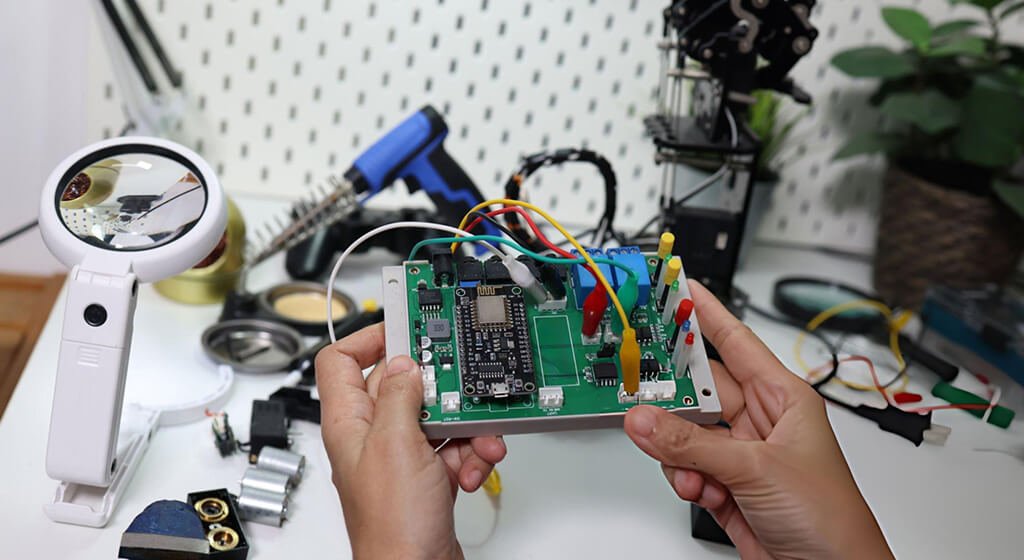
Good debug access is one of the most underrated parts of PCB design.
You need enough test points and probe access to measure power, ground, reset, clock, and major interfaces without fighting the board.
If you cannot easily confirm what is happening on the bench, troubleshooting becomes slow and expensive. A board with poor test access may still be functional, but it will be much harder to validate and repair.
Do You Need Any Help?
3. Fatal Issues to Fix Before Ordering
These are the problems that can make a board unusable. If you find one of these, stop and fix it before sending the files to fabrication.
3.1. Power Tree Errors

Incorrect voltages, missing decoupling, unstable regulators, or bad power sequencing can prevent the board from starting at all.
This is one of the first areas to review because a power mistake often affects every other subsystem.
You need to check the expected input voltage, regulator output ranges, current capacity, and any components that depend on a specific startup order.
If your design includes multiple rails, you need to confirm them one by one from source to load.
3.2. Wrong Footprints or Pin Mappings
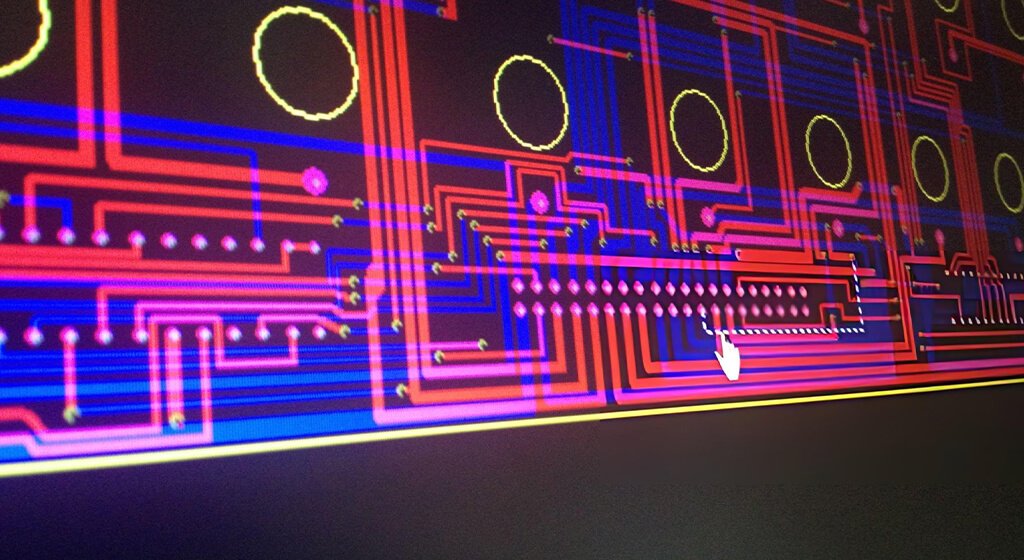
One of the most dangerous PCB errors is a mismatch between the schematic symbol, the footprint, and the actual component.
A reversed connector, swapped pins’ numbers, incorrect package size, or polarity mistake can create a board that looks fine in CAD but fails during assembly.
You need to compare the footprint against the PCB manufacturer’s datasheet. Do not rely on a library part just because it looks similar.
3.3. Missing or Broken Boot and Programming Paths
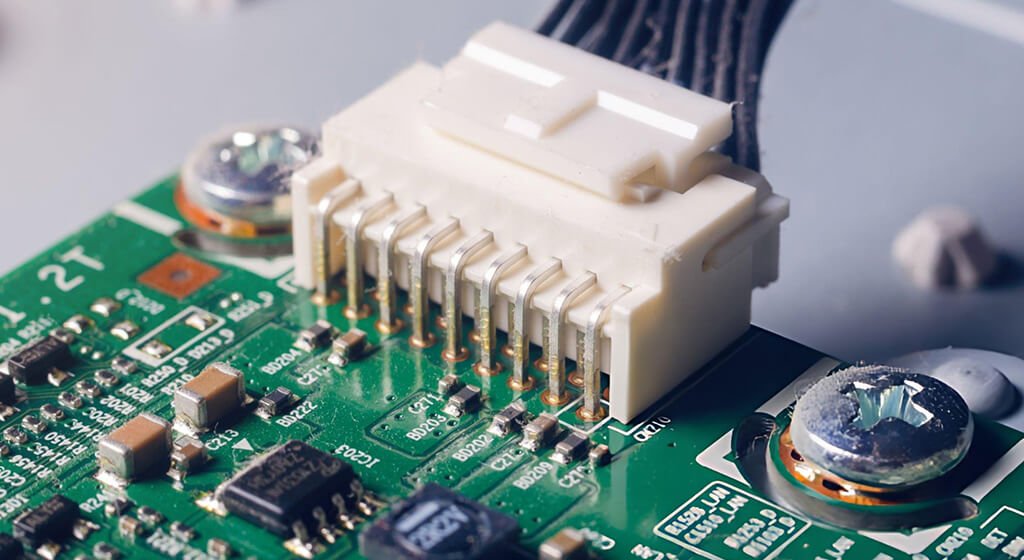
If the board cannot be flashed, it is often much harder to recover after assembly.
You need to review the reset line, boot mode pins, programming connector, USB pull-ups, and any crystal or clock dependency that affects startup.
For microcontroller designs, this is especially important. A missing boot configuration or inaccessible debug connector can turn a usable board into a frustrating one.
3.4. Fabrication Rule Violations
You need to check the PCB against the fabrication house’s limits for minimum trace width, spacing, drill size, annular ring, solder mask clearance, and board edge clearance.
A design check is useful, but it is not enough by itself.
If the board pushes too hard against the fab’s process limits, you may get poor yield, assembly defects, or outright rejection.
It is much cheaper to fix this before ordering than after.
Do You Need Any Help?
4. High-Risk PCB Issues
These issues may not make the board fail immediately, but they can create expensive rework, slow bring-up, or reduce reliability.
4.1. Too Few Test Points
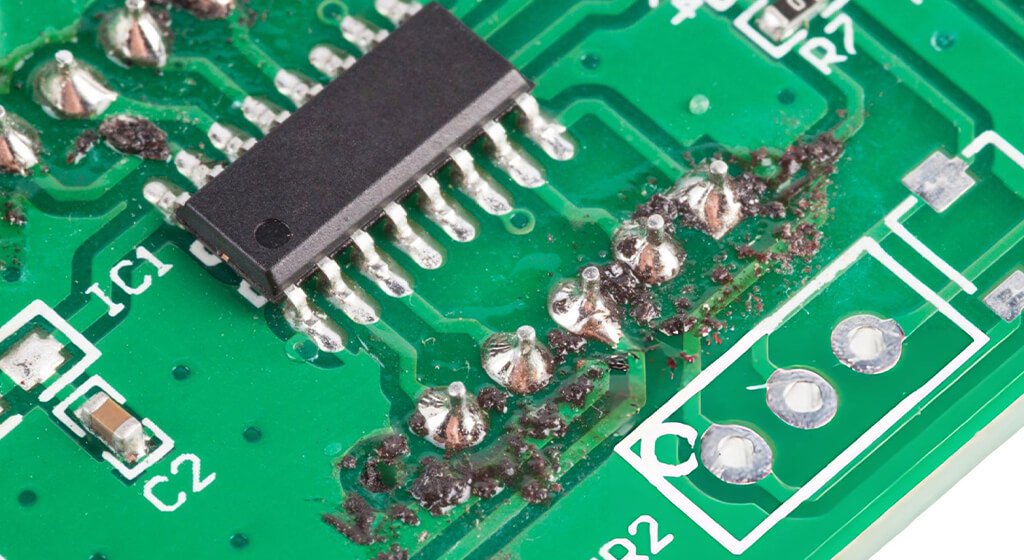
Test points are essential for debugging and bring-up. At minimum, it should expose power, ground, reset, boot, programming, and major communication signals.
If a problem appears, test points can make you quickly determine whether the failure is in hardware, layout, assembly, or firmware.
Without them, troubleshooting becomes guesswork.
4.2. Poor Silkscreen and Labeling
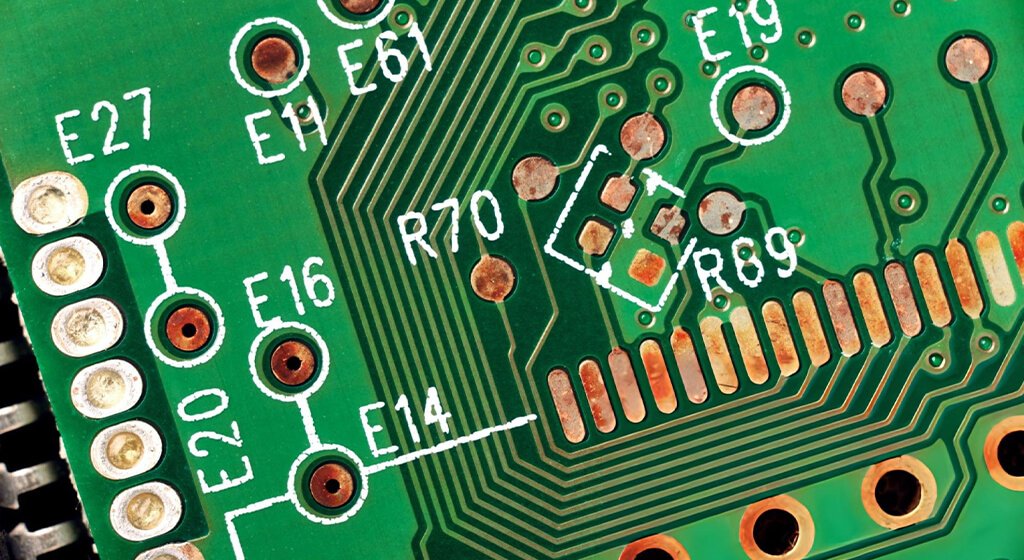
Clear silkscreen makes assembly and repair much easier.
Reference designators, polarity marks, connector labels, and pin-1 indicators should be easy to read.
This matters even more if the board will be assembled by someone else or revisited later by a different engineer.
A few extra labels now can save hours later. It can be avoided by choosing a good PCB manufacturer.
4.3. Weak Layout Around Sensitive Signals

High-current loops, high-speed traces, RF sections, clocks, and analog circuits all need careful layout.
If these areas are routed poorly, the board may seem fine at first and then become unstable under real operating conditions.
A PCB prototype can sometimes tolerate a weak layout. Production units, temperature changes, and repeated use often expose the problem later.
4.4. Poor Repairability
A board that cannot be reworked easily becomes expensive very quickly.
Dense placement, tiny pads, inaccessible parts, and no soldering clearance can turn a minor issue into a major headache.
If you expect to debug the board manually, leave enough room for probes, soldering tools, and hot-air rework.
Do You Need Any Help?
5. Acceptable Optimizations That Can Wait
Not every issue will block fabrication. Some items are worth improving, but they do not justify delaying the build if the board is otherwise ready.
5.1. Cosmetic Silkscreen Improvements
Visual polish is nice, but it should not come before functionality. If labels are readable and correct, slight aesthetic imperfections are usually acceptable.
5.2. Non-Critical Placement Refinements
Sometimes a connector could be moved slightly, or a part could be rotated for cleaner routing. Those changes may improve the design, but they do not always need to block the current revision.
5.3. Nice-to-Have Test Access Improvements
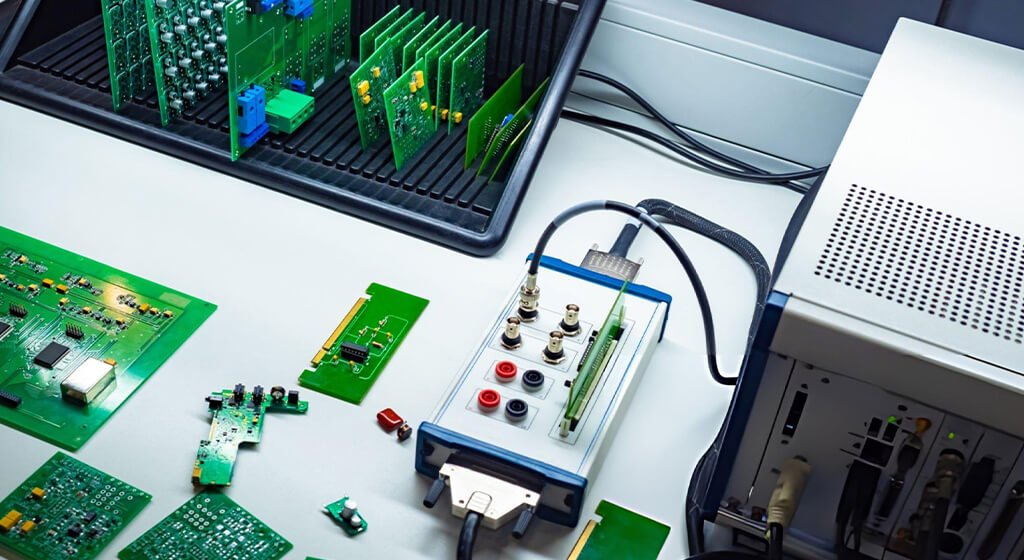
If the critical signals are already accessible, secondary signals can sometimes wait until the next revision.
The key is making sure the board is still testable for power-up and debugging.
5.4. Minor Visual and Ergonomic Changes
Board appearance, label alignment, and mounting detail refinements are useful, but they are usually second-order improvements.
Correctness and testability is more important than polish at the first fabrication stage.
Do You Need Any Help?
6. The Best PCB Review Workflow Before Fabrication
A good review process keeps you focused and prevents you from getting lost in low-value details.
The best workflow moves from electrical correctness to manufacturability to testability.
6.1. Run ERC and DRC First
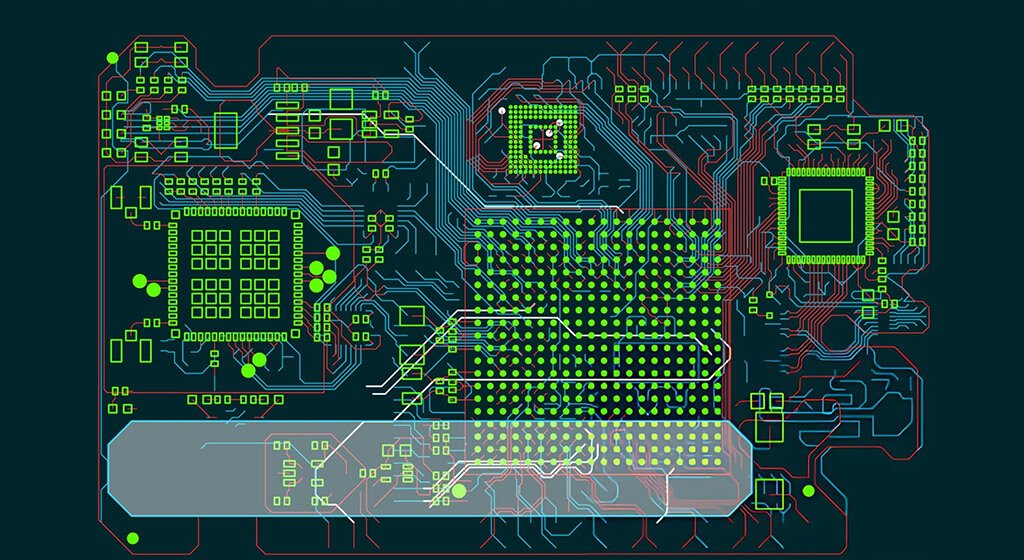
First, you need to start with schematic and layout rule checks.
ERC helps catch logical schematic problems, while DRC catches spacing, clearance, and geometry issues.
These checks will not catch everything, but they are a fast way to eliminate obvious mistakes.
Treat warnings seriously, but review them in context instead of blindly ignoring or obsessing over them.
6.2. Verify Footprints Against Real Parts

Open the datasheet for every critical component and compare it to the footprint in your design. Check package size, pin order, polarity, thermal pad requirements, and mechanical dimensions.
If you are using alternate parts, verify those too. A board is only as reliable as the parts and footprints behind it.
6.3. Review Assembly Risk
You think about how the board will actually be built. Check solderability, orientation, polarity, paste requirements, and whether any parts are likely to be difficult to source or hand-rework.
Even if a board is technically correct, it can still be painful to assemble if the parts are too small, too close together, or difficult to place consistently.
6.4. Confirm Testability
You should review the design from the perspective of a technician trying to bring it up on a bench.
Ask whether every essential signal can be probed or measured without trouble.
At least, you should be able to verify power rails, reset, boot state, clocks where relevant, and the main communication or programming interfaces.
6.5. Do a Small Prototype Run First
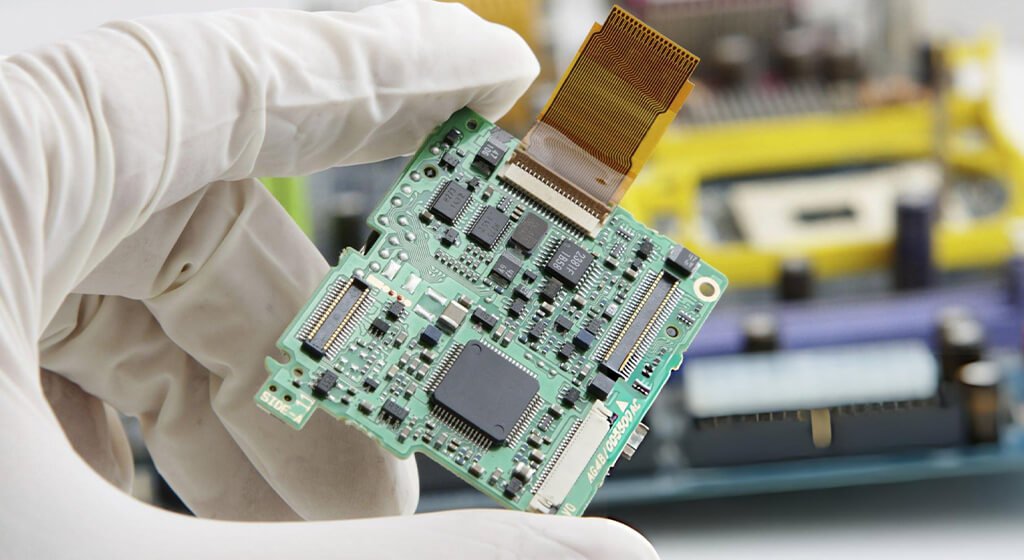
For a new design, a small prototype run is usually smarter than going straight to mass boards.
Even a few units can reveal power-up issues, programming mistakes, footprint problems, or layout weaknesses before they become batch-wide problems.
The small run is not a delay. It is a risk-reduction step that often saves time overall.
Do You Need Any Help?
7. Practical Pre-Fabrication Checklist
Use this checklist before sending your files out:
- Power Rails Match The Requirements Of Every IC.
- Regulators Have Enough Current Headroom.
- Decoupling Capacitors Are Placed Correctly.
- Footprints Match Datasheets.
- Polarity And Pin-1 Markings Are Correct.
- Reset, Boot, And Debug Access Are Available.
- DRC And ERC Issues Have Been Reviewed.
- Fabrication Limits Are Within The Board House’S Capabilities.
- Test Points Exist For Power, Ground, And Critical Signals.
- Silkscreen Is Readable And Unambiguous.
- Sensitive Circuits Are Laid Out Carefully.
- The Board Can Be Reworked If Needed.
- Key Parts Are Available And Sourceable.
Do You Need Any Help?
8. Common Mistakes That Cause Big Problems
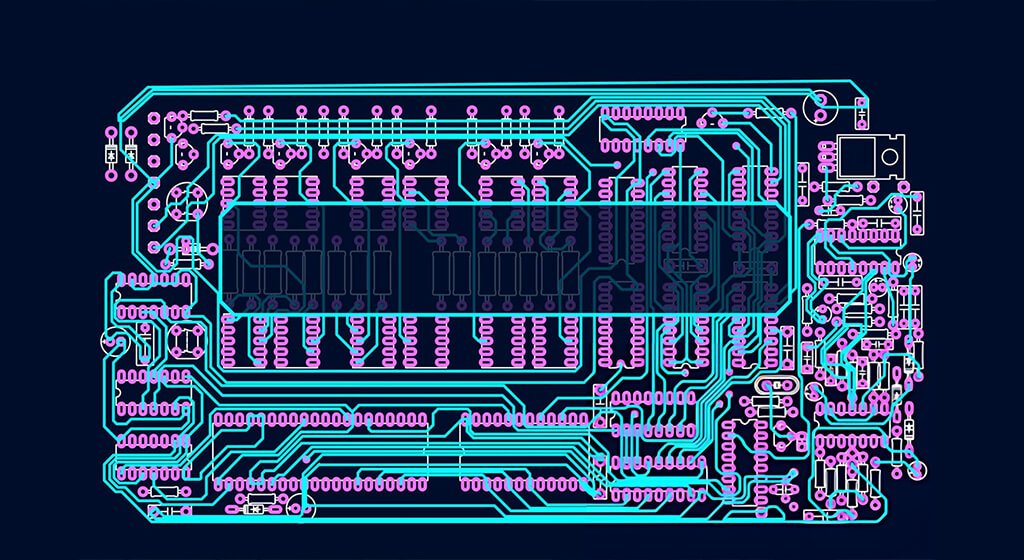
Some mistakes look small in CAD but become major issues after fabrication.
- A connector is rotated 180 degrees.
- A footprint looks right but the pin mapping is wrong.
- A board has no clear way to flash firmware.
- A sensitive trace is routed without a proper return path.
- A power rail is assumed to be fine but is actually outside the safe range.
These are the kinds of errors that often slip through when a design is rushed. The earlier you catch them, the cheaper they are to fix.
9. Example: How a Board Review Prevents a Costly Batch Failure
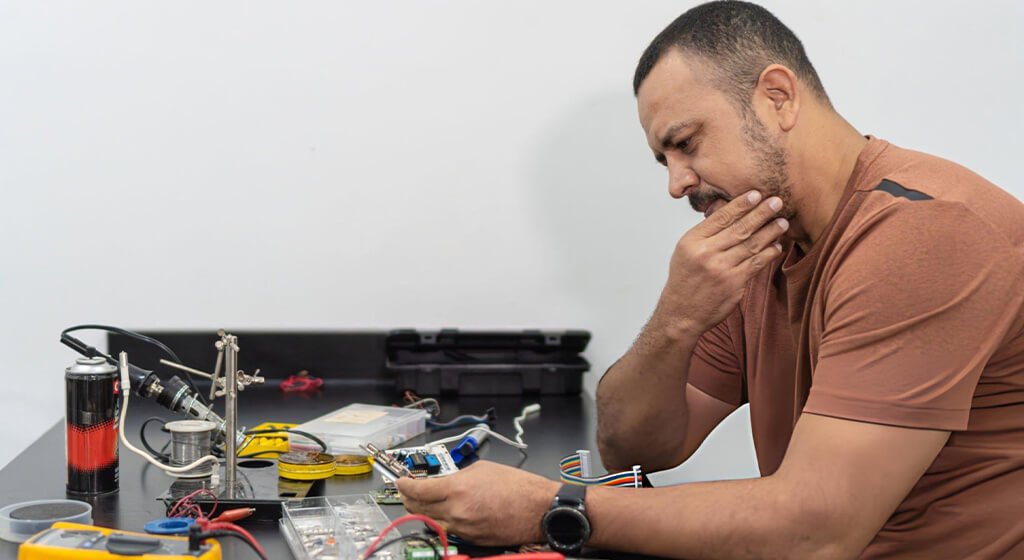
You can imagine a board that looks complete in the layout tool. The schematic passes, the routing looks clean, and the BOM is ready.
But during the final review, you notice that the reset pin is not accessible, and the programming header is blocked by a large connector.
That single issue could make first-bring-up much harder. If firmware loading fails, you may not have a practical way to recover the board.
If you find that before fabrication, you can save days of debugging and prevent an expensive batch-wide problem.
10. People Also Ask?
How Many PCB Prototypes Should I Order First?
For a new design, start with a small first batch before moving to full production.
The goal is to validate power-up, programming, and core functionality before scaling.
What Is The Most Common PCB Mistake?
Footprint mismatch, power issues, and missing test access are among the most common high-impact mistakes.
These are especially dangerous because they may not be obvious until after assembly.
Is DRC Enough Before Fabrication?
No. DRC is necessary, but it is not sufficient. You still need to verify footprints, power, debug access, testability, and assembly risk.
What Should Always Have A Test Point?
Power, ground, reset, boot pins, programming access, and important communication interfaces should usually be accessible.
If you expect to debug a signal, expose it.
When Is It Safe To Order 50 Boards?
It is safer to order a larger batch after you have already proven power-up, programming, and basic functionality on a smaller run.
That reduces the chance of scaling a hidden problem.
11. Conclusion
A good PCB review is not about perfection. It is about preventing the mistakes that would make fabrication, assembly, or bring-up expensive and painful.
If you focus on three priorities — power-up behavior, programming and debug access, and testability — you will catch most of the issues that cause first-revision failures.
Review carefully, validate on a small batch, and only then scale with confidence.
Download The PCB Pre-fabrication Checklist PDF or use this checklist before your next board order.
Get a PCB Quote